7 Photo Selection Tips for the Cleanest Kitchen Coffee Fail AI Video
Follow these 7 portrait and pet photo guidelines to get crisp identity tracking, natural expressions, and zero distortion in your 15-second Kitchen Coffee AI Video.
 CoffeeFailAI Studio Editorial
Kitchen Coffee AI Video Studio · Free 3s 720p Preview
Turn any 2 people or pet photos into the viral 15s Kitchen Coffee milk-spill video.
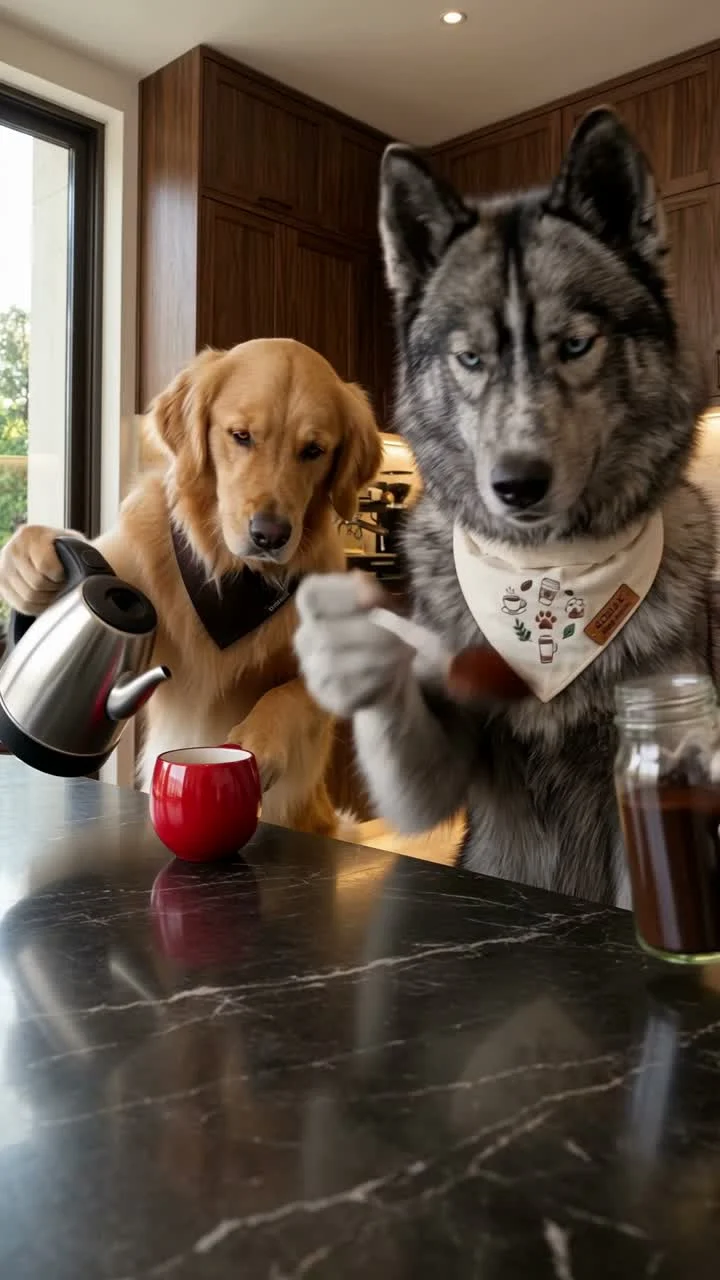
Because CoffeeFailAI animates two separate characters through a full 15-second kitchen comedy routine—from spooning coffee grounds onto the counter to flooding the island with milk—the quality of your two input photos directly determines how sharp your final 720p MP4 looks.
7 Rules for Choosing Role 1 and Role 2 Photos
- Use Front-Facing Portraits: Pick photos where the person or pet is looking straight toward the camera (within a 15-degree angle) rather than a steep side profile.
- Keep Both Eyes and Mouth Unobstructed: Avoid sunglasses, face masks, coffee cups covering the mouth, or heavy hair shadows across the eyes.
- Choose Even, Soft Lighting: Indoor window light or overcast outdoor daylight works best. Avoid harsh neon club lighting or extreme backlight.
- One Face Per Upload Slot: Upload one person (or one pet) in Photo 1 (Coffee Spooner) and one person (or one pet) in Photo 2 (Milk Pourer). Cropping a solo head-and-shoulders shot gives the cleanest identity lock.
- High-Contrast Pet Markings for Dog & Cat Modes: When using the Dog Coffee Fail AI Video Maker, make sure your dog's or cat's ears, eyes, and nose bridge are in sharp focus.
- Neutral or Slight Smile Expressions: A calm, everyday expression makes the deadpan kitchen milk flood look ten times funnier.
- Standard File Formats Under 10 MB: Upload JPEG, PNG, or WebP files up to 10 MB each; our Studio automatically optimizes mobile camera roll photos on upload.
Ready to test your two photos? Open the Kitchen Coffee AI Studio and generate your 3-second 720p preview first.
Ready to Make Your Own 15-Second Kitchen Coffee Fail Video?
Upload two front-facing portraits or pet photos in the CoffeeFailAI Studio. Preview the 3-second 720p milk-jug splash free, then unlock the full 15-second 9:16 MP4 with original comedy audio.